 Matt Ruta
Replacing FATMAP
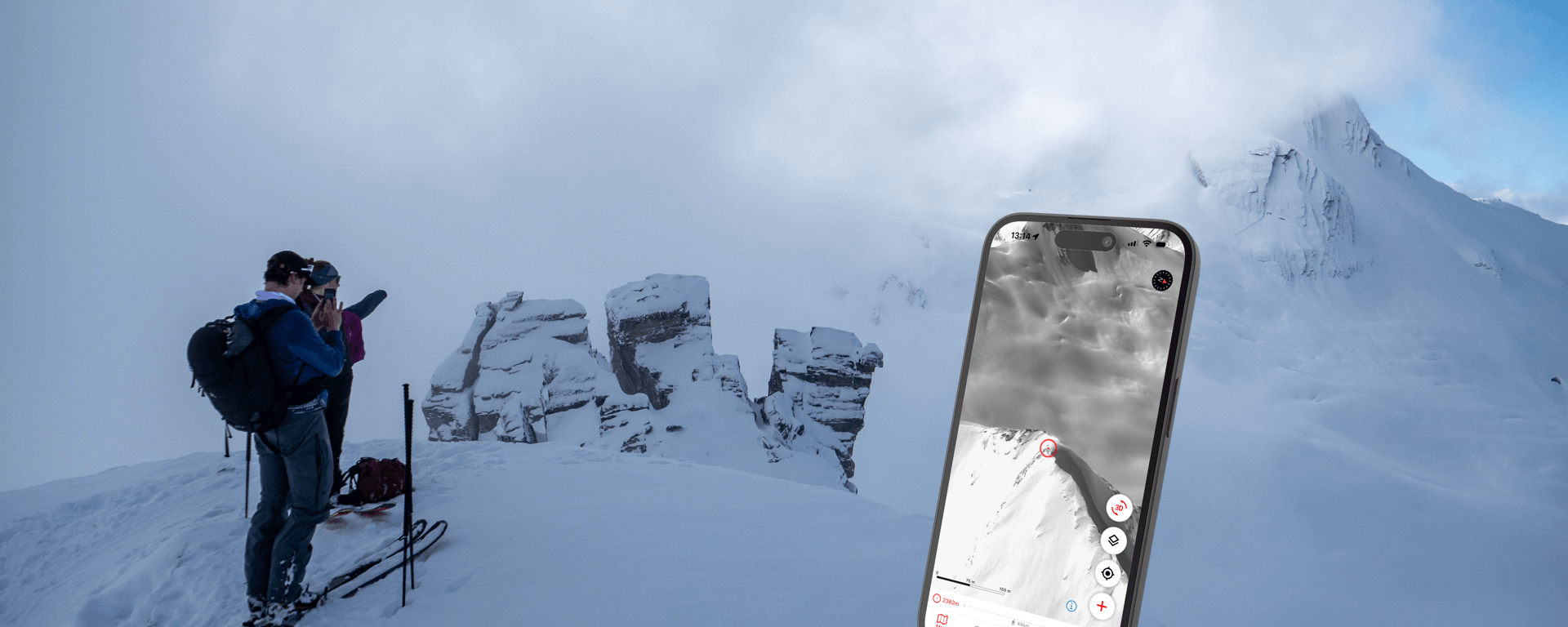
Consumer 3D projection mapping was a revelation that happened to coincide with my entry into serious backcountry skiing. So it’s always been a big part of my process. Sure, of course topo maps work fine and you should know how to read them. But seeing the world displayed more or less as it is, with the ability to fly around and look at features from multiple perspectives is a total game changer.
First there was Google Earth, which was the de facto tool for trip planning in my formative mountain years. I remember scoping ski lines on a friend’s water cooled gaming PC, specifically because it was that fastest computer he could build to run it. Historical imagery felt like a secret weapon to dodge pesky clouds and estimate seasonal snowpack data in remote areas. We even flew around in the flight simulator, hoping the different perspective might lead to a clever idea for a new line or access route. I don’t think it ever did, but we had a nice time either way.
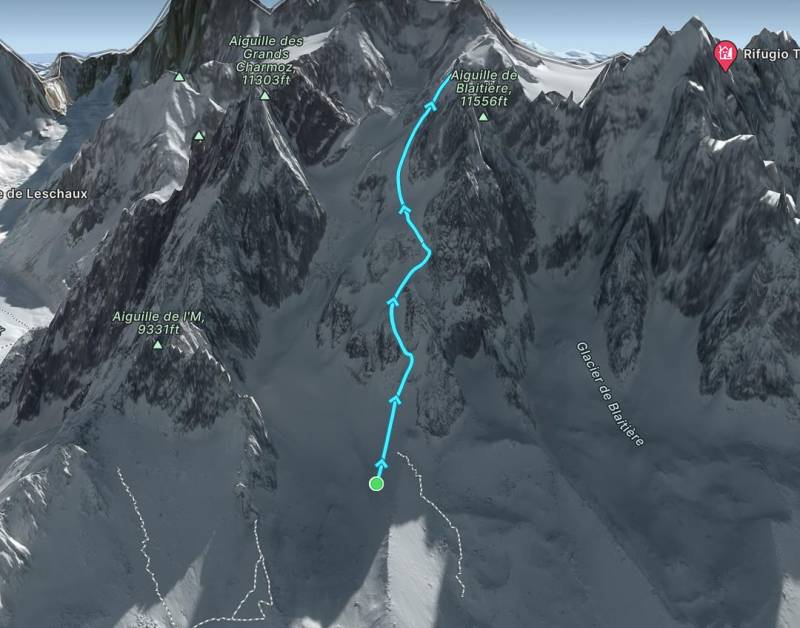
Google Earth Pro, Web and Mobile are still pretty decent today. But in 2016, FATMAP changed the game, literally, using a 3D gaming engine combined with much higher resolution imagery and digital elevation model (DEM) to create a program that felt like magic while in the field. Match your perspective or find a landmark you could see in real life, then pan around to look for other terrain features, scoot around corners and scope lines is impressive detail. It was really cool and as it grew up, it completely eclipsed all other mapping software for my use. The web client was solid, allowing fairly detailed route building, region scoping and general planning to happen on a large screen, while transferring seamlessly to mobile for field use – on or offline. I don’t think I’m the only FATMAP user who got very spoiled during this time.
Unfortunately, good things never last, especially in tech. Recently, Strava acquired FATMAP with the stated intention of integrating features into its own mapping platform. They kept it alive alongside Strava for a short while, but on Oct. 1 2024, it shut down for good. There’s been plenty of speculation that this is a case of a big corporate fish gobbling up what it saw as competition and killing it. Personally, I suspect it happened because FATMAP was surviving on its initial $26 million USD seed investment and never found a way to become profitable, much like Strava itself. Regardless of the reason, as you’ll see, very little of FATMAP’s functionality was carried over. Strava has a history of brutally slow feature rollouts and general deafness to community requests. Add in the undeniably massive expense of maintaining FATMAP as it was and I’m not going to hold my breath for the situation to change any time soon.
That means I’ve been on the hunt for a new mapping tool this ski season. I know what I like and what I need, and I’ve put together a list of what’s out there in the fall of 2024. I spent a few months with all of these apps downloaded and I got their free trials to get a sense for premium features whenever possible. then I did a few dedicated test days in Rogers Pass where I tried to compare them all at once. By the end of this 4000 word epic, you’ll have as good an idea as I do of what exists in the 3D outdoor mapping world and what each service’s pros and cons are. Later, I’ll tell you what I’m going to be trying out long term and – spoiler alert – it’s probably not what your favourite influencers have been trying to sell you on.
This is a long read, so feel free to skip to whichever sections you’re most interested in:
- My Requirements:
- Other Nice Features:
- I Don’t Care About:
- Google Earth:
- SkiMoMap:
- PeakVisor:
- CalTopo:
- Gaia:
- Outmap:
- Contours:
- Strava:
- OnX Backcountry:
- Relief Maps:
- The Conclusion:
- My Picks:
My Requirements:
- Accurate 3D projections
- A mobile app for field use
- Solid offline functionality
- Simple, fast user experience with no overly complex features to sift through up front
- Works well in Western Canada, where I live
- Works at least pretty well worldwide
- Accurate and up to date summer trails
- Winter imagery (selectable image date like Google Earth is OK too)
- High quality imagery w/ minimal cloud occlusion
- Simple, reasonably accurate route builder
Other Nice Features:
- Shading and terrain layers
- Cross platform support
- Great terrain labelling and ID (a particular weakness of FATMAP)
- Heatmaps
- Ability to save and share my own routes
- A usable search function
I Don’t Care About:
- Most overlays
- Activity tracking
- Weather integration
- User submitted routes
Google Earth:


Cost: Free!
Pros:
- Mobile, web and desktop apps cover a lot of use cases
- Google Earth Pro is a powerful platform for custom map building
- Good 3D projections
- Good imagery
- Good POIs thanks to integrated Google Maps data
- Solid user interface
- Includes historical imagery
Cons:
- No specific winter imagery; you have to search through historical imagery and hope you find something from about the right time of year
- No offline satellite mapping
- Outdated summer trails
- Slow pace of updates in recent years
Verdict:
We return to Google Earth about where we left it. It’s got pretty good imagery, lots of cross platform tools to access it and perfectly competent 3D projections and terrain data. Its trail data is at least 5 years out of date around me, and its lack of offline mapping disqualifies it for reliable field use. Google Earth Pro remains a great option for desktop mapping if you can live without some modern conveniences. The web client is passable for a quick look at terrain here and there. At this point Earth is what it is: a competent reference map if you have cellular service, with a powerful but unsophisticated desktop client. I think I’d rather use Caltopo in 2024, but can see GE being just as useful (and much more free) for plenty of applications.
SkiMoMap:
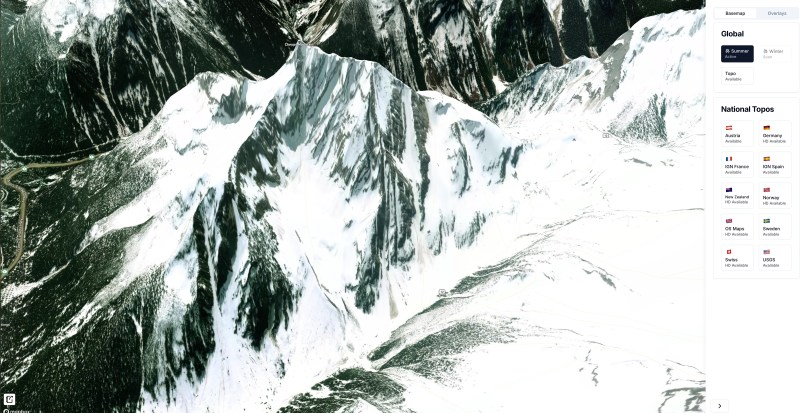
Cost: Free! (For now)
Pros:
- Nice web interface with decent control over map data
- Allows toggling of terrain exaggeration
- Plenty of ski specific layers and features with more on the way
- Winter imagery promised
- Decent 3D projection
Cons:
- Web only, no mobile app or offline functionality
- No route planning
- No offline maps
- No winter imagery yet
Verdict:
It’s a ways off, but SkiMoMap shows a lot of promise for skiers looking for a FATMAP replacement. In fact, the developers specifically call out their desire to “be a drop-in replacement for Fatmap” in their development roadmap. It’s currently a nice web app with some promising features. I particularly appreciate the ability to toggle terrain exaggeration on or off, but I’d like it even more if I could choose the amount of exaggeration myself. At this time, it’s not a viable replacement for FATMAP, as there’s no mobile apps and most of its features are “coming soon”. The crux is going to be the pace at which the developers can release features and what “soon” ends up meaning. I kind of like that the service is starting as a web app, as I like to do detailed planning on a computer and hate when the web interface is an afterthought. Even FATMAP struggled a little with this.
PeakVisor:
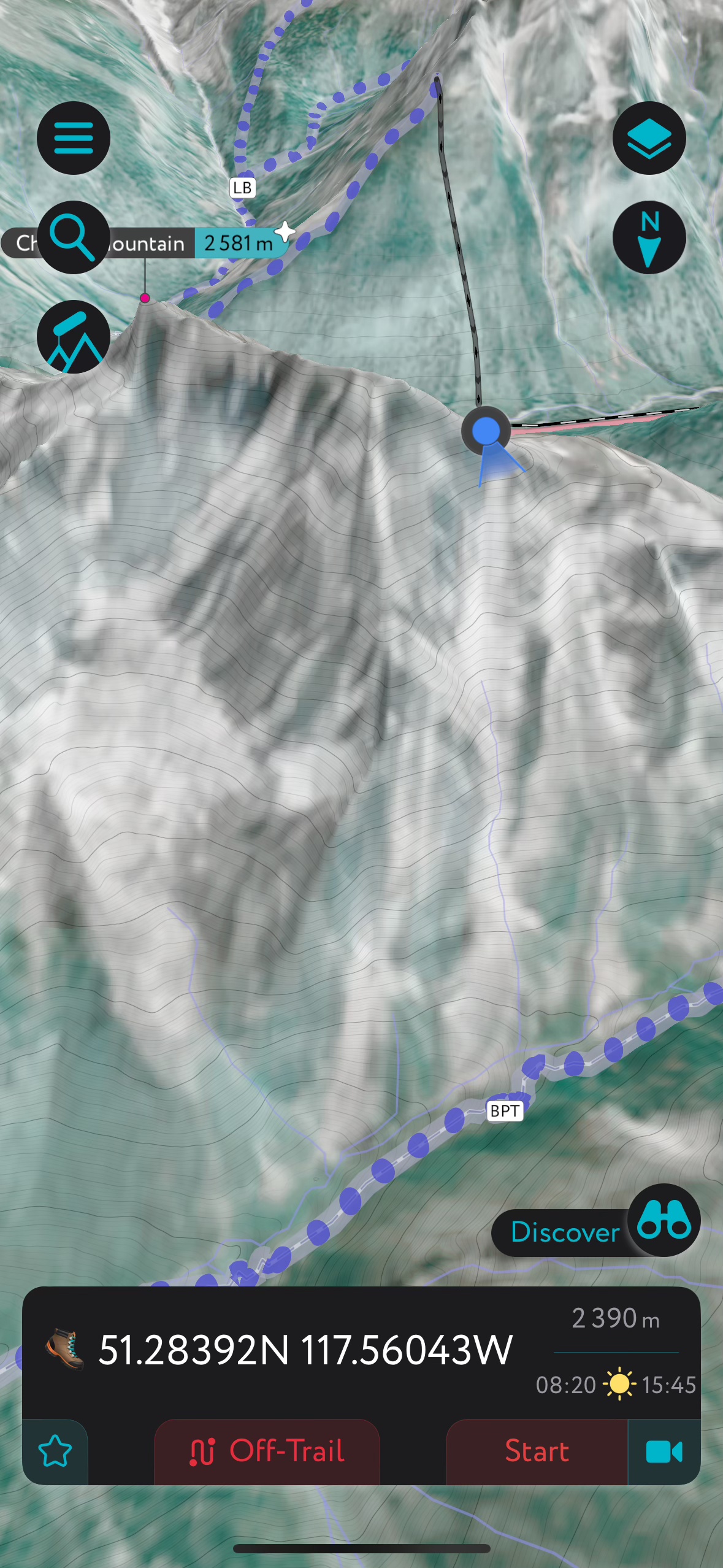
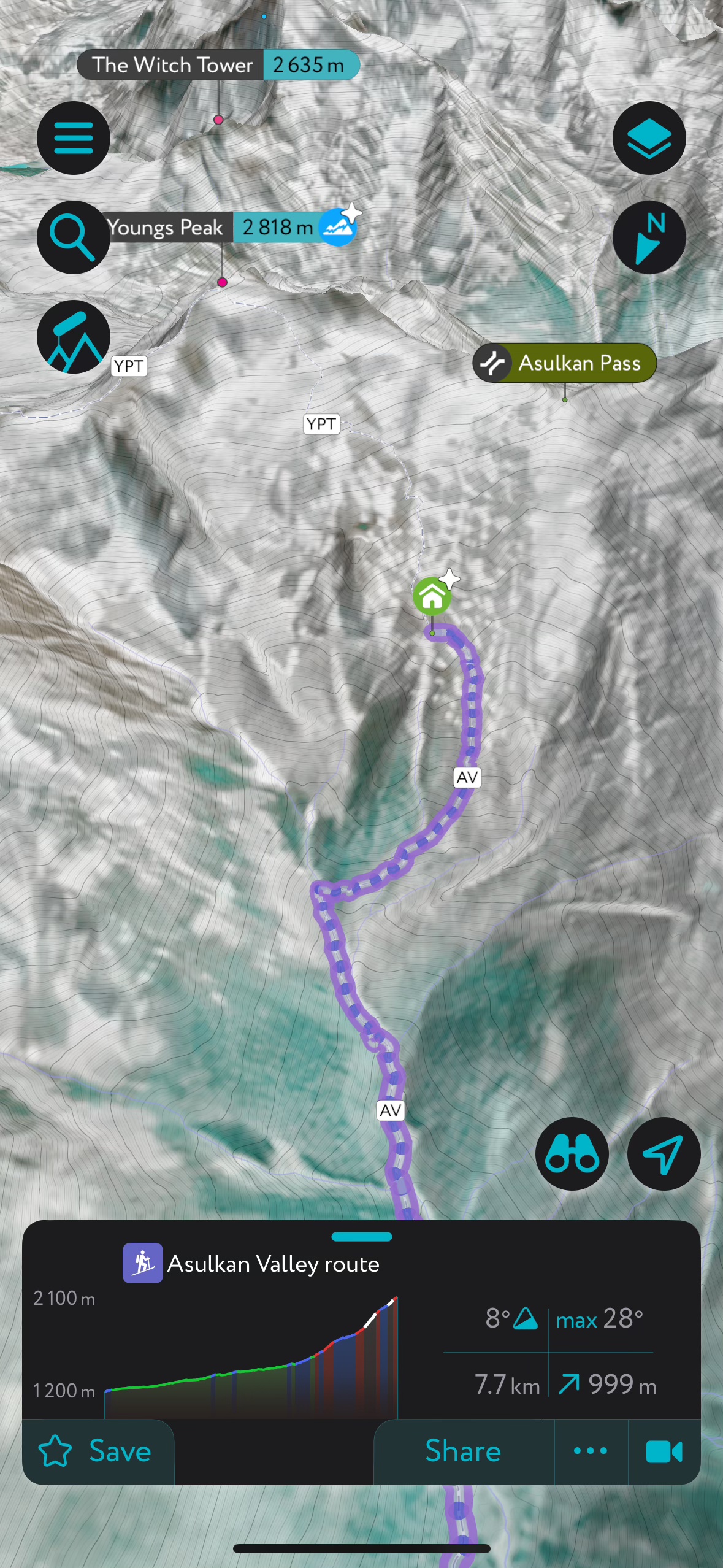


Left: In the field with satellite imagery. Centre-Left: A nearby hut approach with the summer trail highligted. Centre-Right: AR peak identification even works in a whiteout. Right: The web client is full of great info but leaves something to be desired in terms of mapping.
Cost: Free (limited to one location per day), $31.99 CAD/year or $119.99 lifetime.
Pros:
- Excellent projection and 3D visualization
- Great app interface, arguably better than FATMAP was
- Solid mobile route planning features
- Basic web support
- Awesome augmented reality features for peak identification and realistic, point perspective terrain rendering
- Great trail data
- Works offline
- Phenomenal terrain labelling and landmark identification. Blows the competition away in this regard
- Excellent search function
Cons:
- Web interface is lacking. No satellite imagery or 3D view on web
- Web route planning doesn’t snap to trails like on mobile, which can negate the advantage of a larger screen.
- No winter imagery
- Mediocre summer imagery in my area
Verdict:
While it’s lacking in some areas that directly compete with FATMAP, PeakVisor is still one of its most promising replacements, especially for those who care less about the imagery. For field use, it’s class leading with its HUD style identification of peaks and landmarks and fantastic labelling of peaks, landmarks and other terrain features. It’s got a great DEM, which makes it really good for figuring out exactly where you are in relation to terrain features, even fairly small ones.
I would love to see it add winter imagery, or at very least higher resolution summer imagery. While the shape of the terrain is great, it can be quite hard to see features that don’t stand out in the DEM like less defined couloirs or small ledge systems. Its developers have spoken to the high cost of licensing that data, which is understandable I suppose, but other apps seem to manage. I think they’ll have to find a way if they want to remain competitive in this space. It doesn’t have the depth of web planning and route creation tools that even FATMAP did, let alone more robust competitors like Caltopo, but the developers do seem keen to continue adding them.
CalTopo:

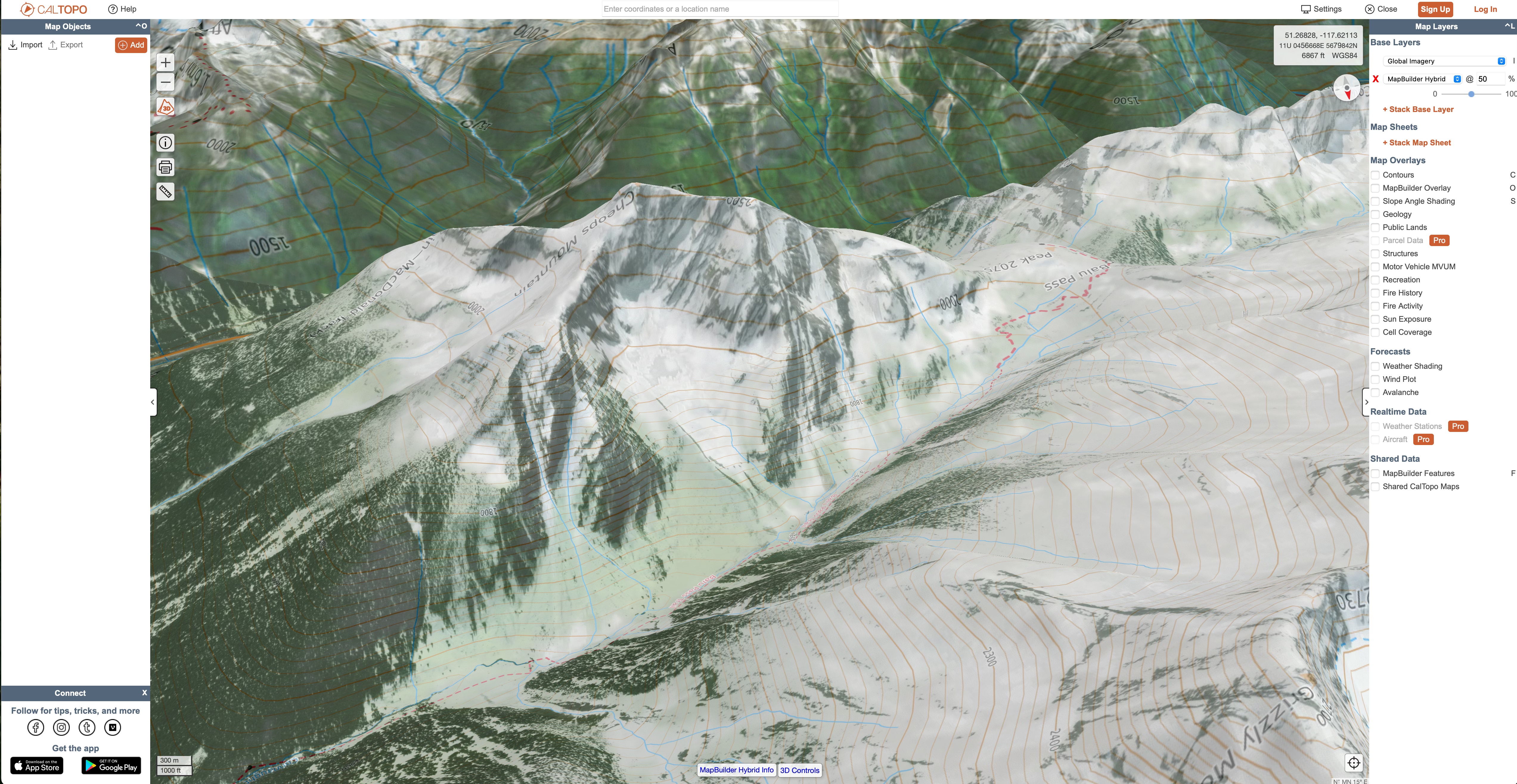
Cost: Free (very limited) or $20USD – $100USD for premium tiers.
Pros:
- Incredibly powerful
- Fantastic desktop route and map building tools
- Tons of data sources and layers
- Fire history and custom DSM/slope angle layers are particularly interesting and advanced
- Sentinel2 map layer available
- Passable 3D projection
Cons:
- Complicated to just grab and go, requires some planning to make the most of it
- Mapping layers for recreation trails are very incomplete and outdated in my area
- 3D mode is slow and details are baked into the base map, so are often distorted by the projection
- No winter imagery
Verdict:
The team at Caltopo deserves a lot of credit for the tool they’ve built over the years. I’m impressed by its power, but it’s a little more complex than I’ve typically had much use for. I find that all of those features I’m not using bog the experience down. I don’t see it as an everyday app for my uses, but it’s undeniably great for more in depth planning. I particularly like the inclusion of Sentinel2 real time satellite imagery, which very few services offer. The 3D engine needs work, and isn’t terribly useful for quick navigation in the field.
If I were setting off on an expedition or a huge traverse through complex terrain, its excellent desktop route building capabilities would be high on my list. Many backcountry guiding and heliskiing operations use it to manage their tenures. It’s essentially a consumer grade GIS tool, which requires some real work to make the most of it – including tracking down or building more accurate mapping layers for things like trails and points of interest. For day to day reference navigation, it’s a both bit much and not quite enough, though much of the latter has to do with the mediocre satellite imagery where I live. In the US, the quality is much better and on par with competitors. I’ll return to Caltopo next time I need to do some really in depth planning on my computer.
Gaia:
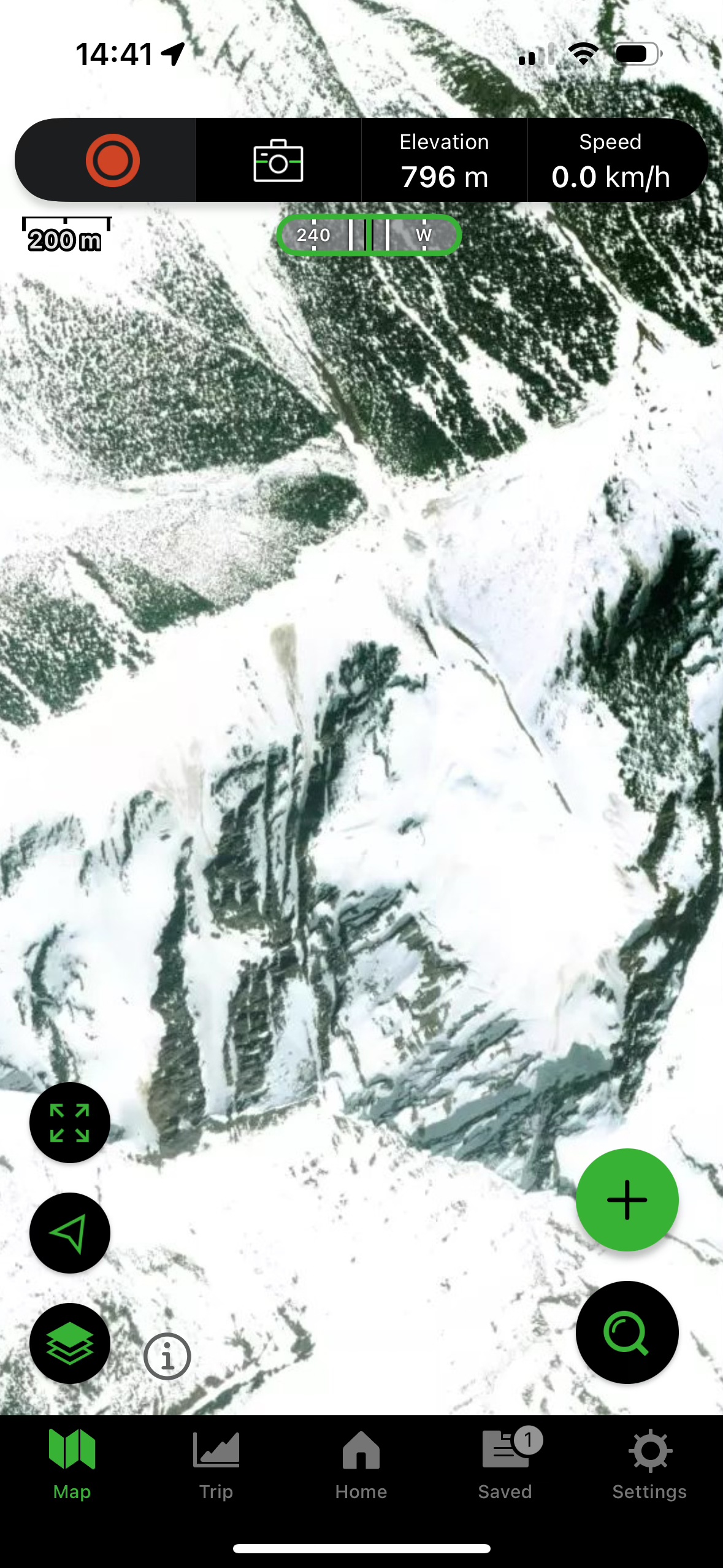

Cost: Free (limited data sources, no offline mapping), $59.90USD/year or bundled with Outside+ for $89.90USD/year.
Pros:
- Nice interface
- Above average web client and route builder
- Tons of data layers, including Sentinel2 imagery
Cons:
- No 3D mode in the app
- Mediocre satellite imagery
- No winter imagery
- Pretty lousy search function
- Expensive
Verdict:
Gaia is the original offline mapping app that replaced Google Earth for a lot of folks I know. Little about it stands out, but it’s easy to use, the interface is well designed and it does most things well enough. As someone who had never used it before, I can’t say I was blown away by it’s basic functionality but I was impressed by the amount of data that was available in it. I particularly like the inclusion of Sentinel2 real time satellite imagery, which few services offer. It’s almost the polar opposite of Caltopo, in that it’s got great topo basemaps and tons of waypoint, trail and POI data but fewer of the advanced features for map building. It does outdo many other apps in that department, although the search function is poor which can make finding terrain features and peaks a chore.
Unfortunately, 3D maps are not available on mobile (or at least iOS) so for me, it’s not a useful field app. Overall, despite the easy user experience, I think it represents pretty poor value for money and the vast majority of its features can be found elsewhere for less.
Outmap:

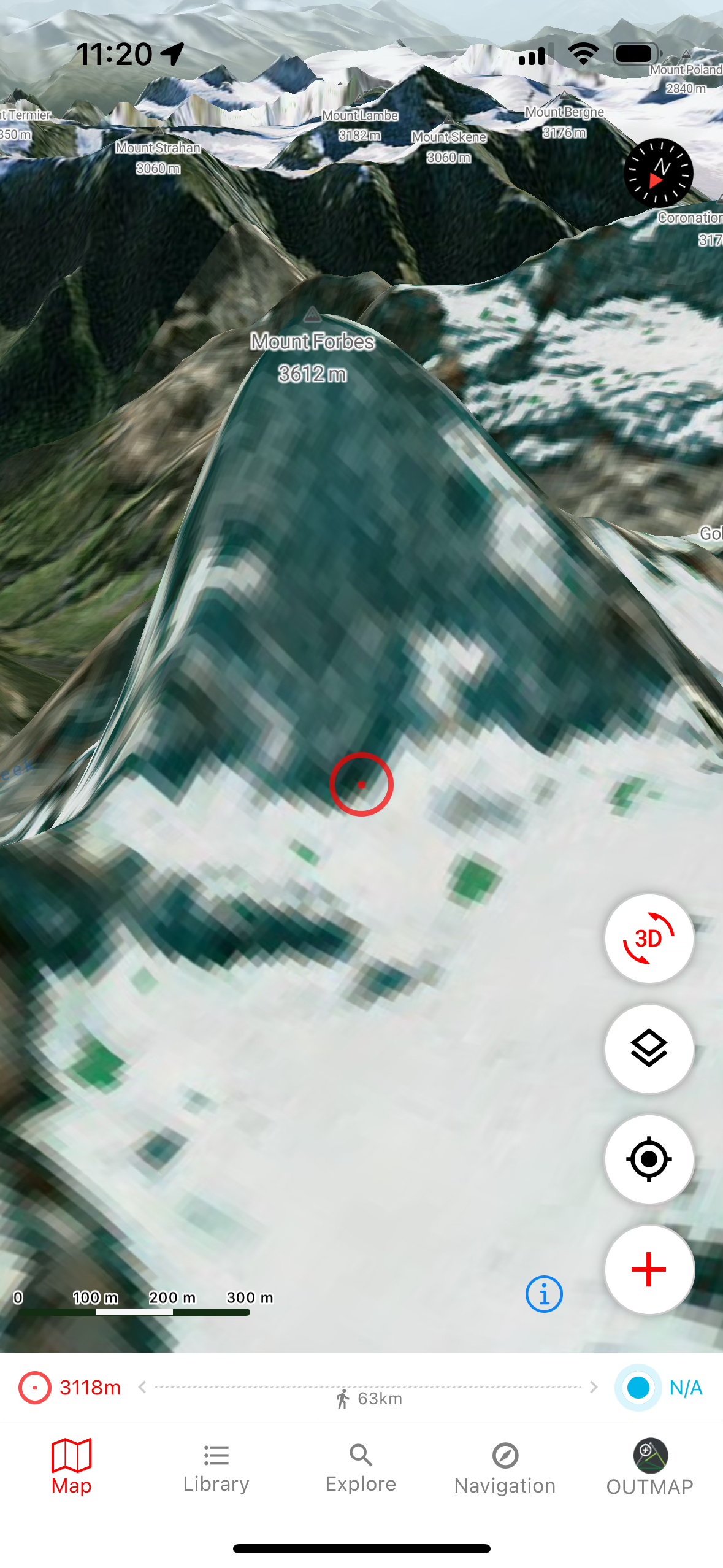

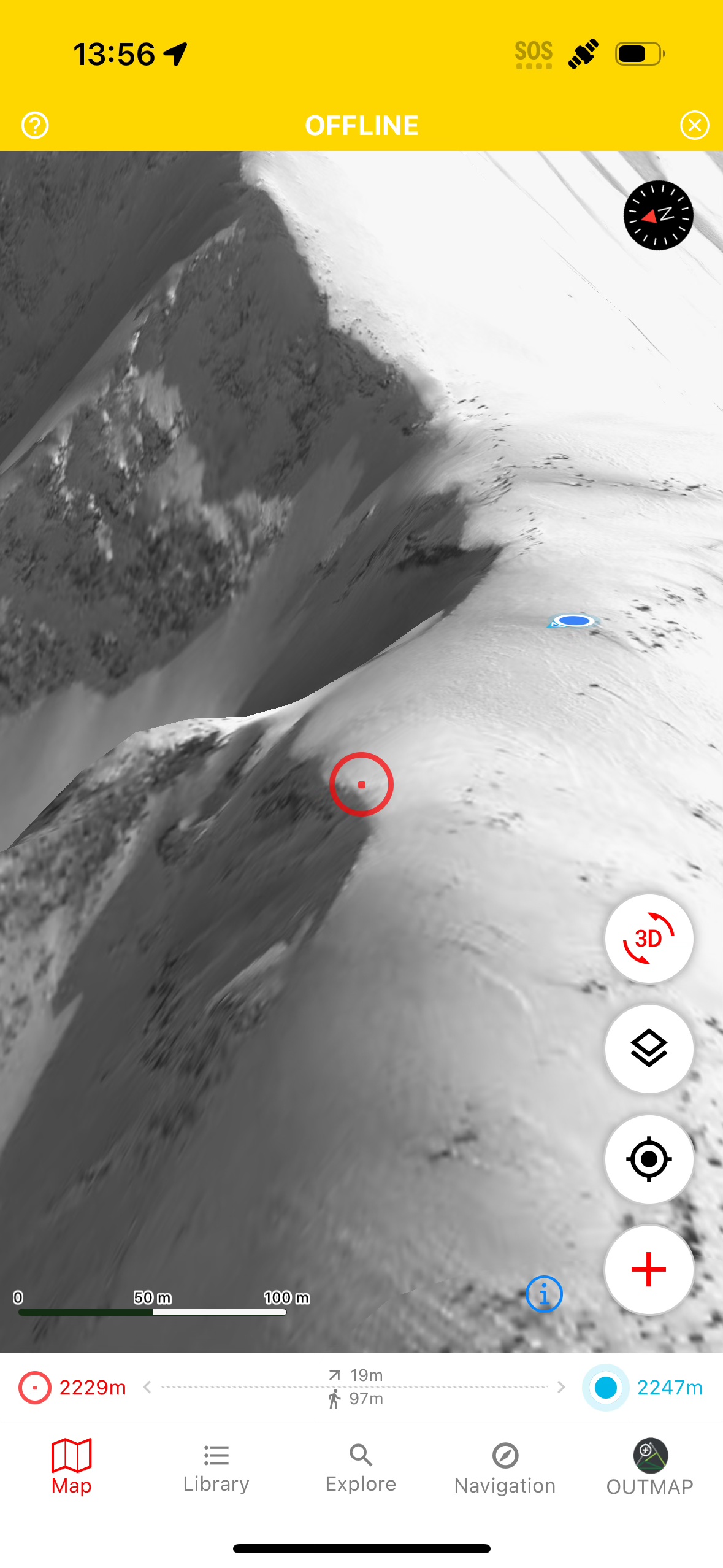
Left: In the field with winter imagery. Centre-Left: What happens when winter imagery isn’t available. Centre-Right: Switched to summer imagery. Right: Still solid offline, even though I never actively download this map tile.
Cost: Free (limited data sources, no offline mapping) or $1.99CAD/month.
Pros:
- Decent projection
- Some high resolution winter imagery
- Simple, functional navigation/interface. Not the slickest, but totally fine
- Easily viewable point data
- OSM trail map integration
- Competent mobile route planning with trail snapping
- Allows offline maps
- Selected points link to SpotWX. Much more useful than typical weather integrations
- Affordable
Cons:
- Mobile only
- Imagery is not as good as Fatmap’s
- Limited winter imagery
- Very poor search function
Verdict: A less polished, but promising FATMAP replacement and the only app to even try to offer winter imagery. That imagery isn’t present everywhere; there’s far less than FATMAP provided. The resolution is very good where it exists though, and it’s still in beta so hopefully we’ll see better coverage soon. Fortunately for me, it does cover some of my common ski zones. I like the readily visible point information, giving constant elevation and distance-to-me information on a target centred in the screen. It’s got a pretty solid user experience overall, plus uses a nice base map and adequate terrain labels.
Unfortunately there is no web or desktop app, so while route planning is possible, it doesn’t support the kind of large screen dreaming I like to do with my mapping apps. Unless you have an iPad or Android tablet I guess, which I don’t. I also found the search function nearly unusable, as clearly it’s not able to access the terrain labels in the base map. This further detracts from its utility as a planning tool. Overall the lack of winter satellite coverage (compared to FATMAP), lousy search function and the missing cross platform support are notable bummers, but as a field app it’s still arguably the best option available, provided that you’re skiing in an area where high-res winter imagery exists.
Note: After publishing, the developer reached out to let me know that a web client is on the roadmap for release in early 2025, and they’re making a push to continue building out the library of high-res winter imagery. Nice!
Contours:
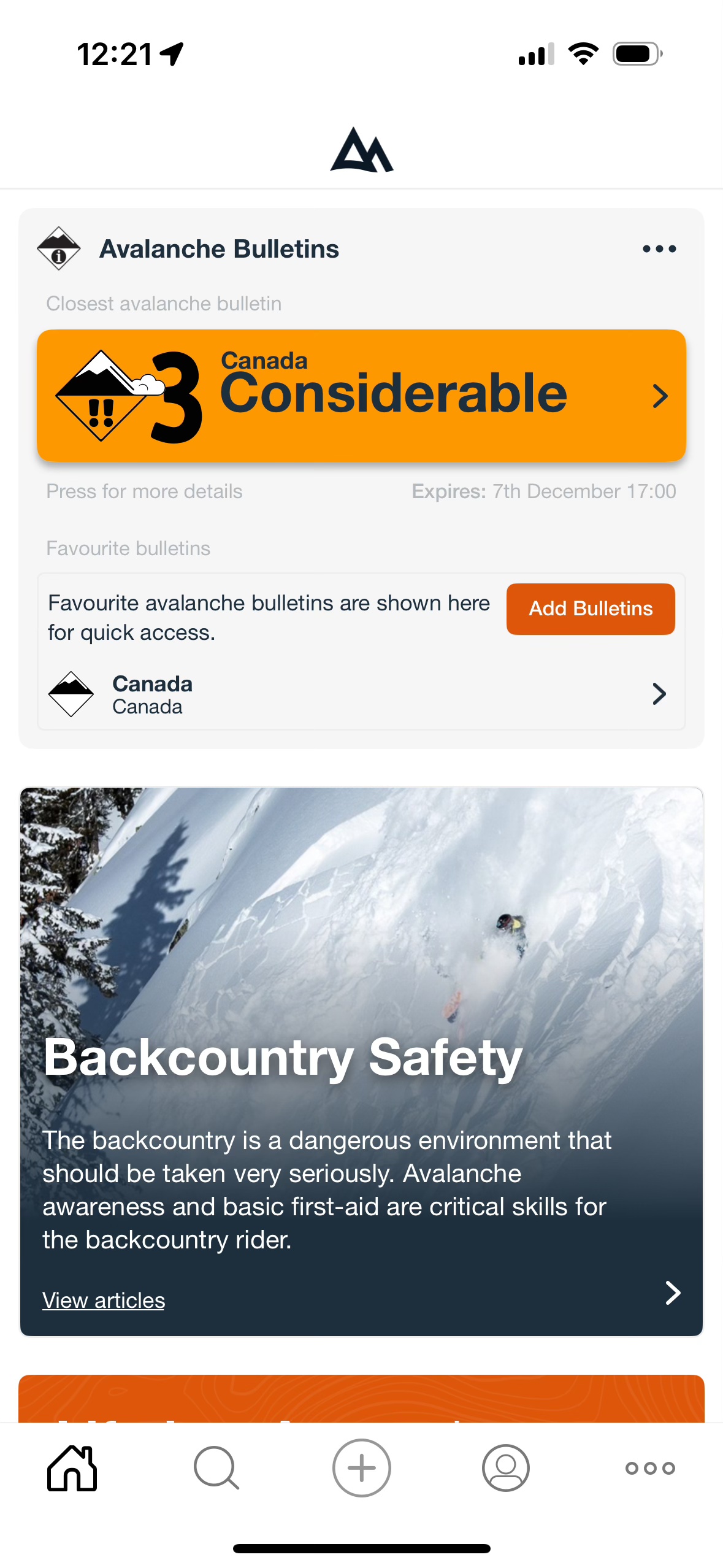
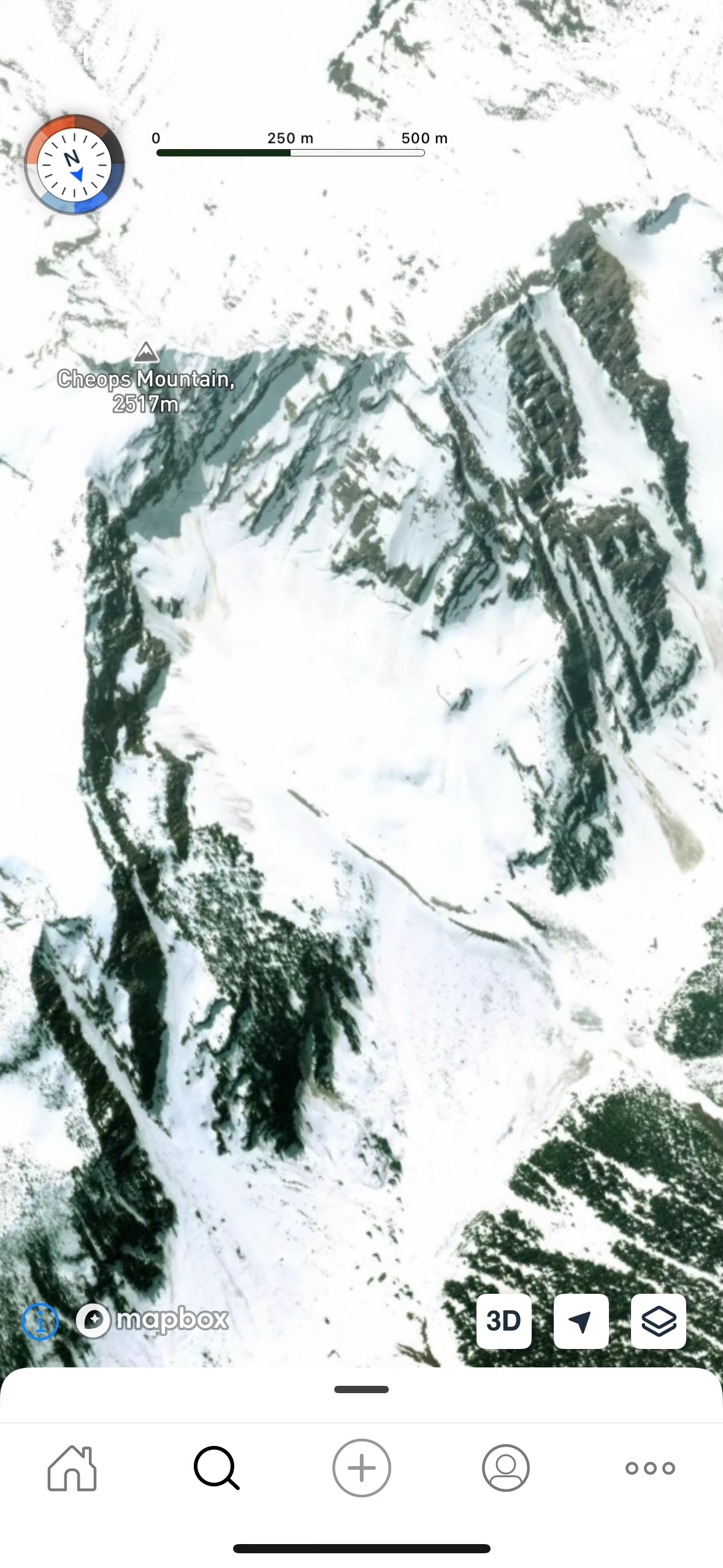

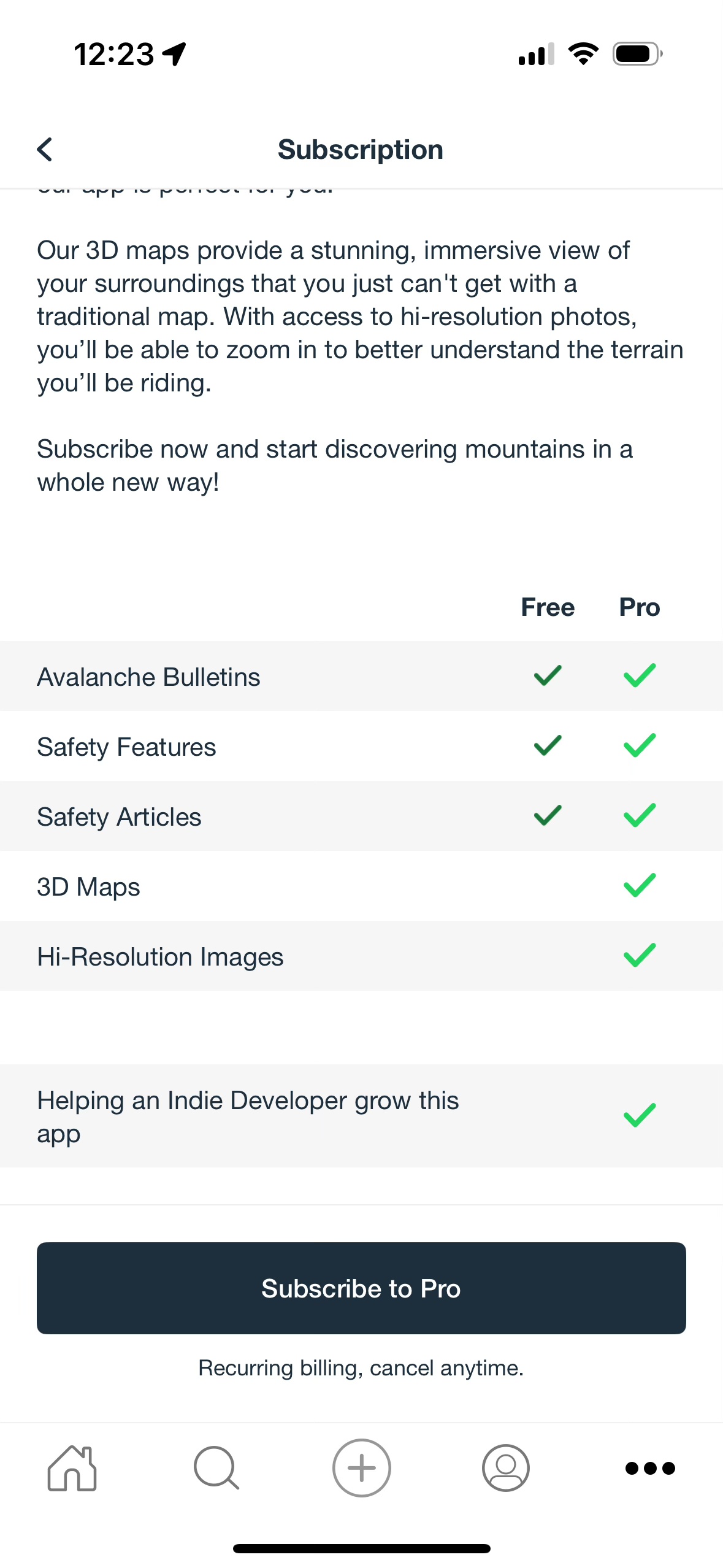
Left: Nice integration of the nearest forecast on the home page. Centre-Left: Standard Mapbox satellite imagery. Centre Right: Standard Mapbox topo map with no summer trail or additional peak info. Right: The only info about what an upgrade gets you. No mention of offline maps or high-res coverage.
Cost: Free (virtually useless), $24.99CAD/year or $49.99CAD lifetime.
Pros:
- Slick interface
- Good avalanche forecast integration
- Affordable
Cons:
- No free trial, and I didn’t want to pay $25 to test it
- Doesn’t seem to be a way to use the app offline
- Pretty basic overlays
- No route builder that I can find
- No web or desktop client
Verdict:
I wasn’t really able to test Contours, so I don’t want to throw it all the way under the bus. At a glance it seems like another Mapbox based app with a nice interface. It looks like it has a lot of ski specific overlays, especially in Europe, but I wasn’t able to test most of its features without a year’s subscription that I didn’t want to buy. I’d love a free trial to test it out and some more clarity on what features actually exist, or at least a monthly membership. For example, it wasn’t obvious that there is offline mapping support, which is something I’d want to know was available before dropping money on a year’s subscription. Until I have more information, I’m putting it in the pile of apps with promise but few standout features. This might seem harsh but being asked for money without a clear explanation of what I’ll be getting in return is, IMO, a dealbreaker.
Strava:


Cost: Free (no route planning features), $14.99CAD/month or $99.99CAD/year.
Pros:
- Heatmaps are incredibly useful
- Route planning tool is best in class for activities using trails and popular heatmap routes
Cons:
- Mapping is not adequate for backcountry and outdoor use
- No winter imagery
- 3D projection is just OK
- No offline mapping
- Expensive
Verdict:
Buying out FATMAP does not a mapping tool make. Strava is a long way from being viable app for backcountry use. I like it for its social aspect and the route planner is amazing for running, cycling and even skiing in popular areas. It’s amazing while travelling to new places, because you can instantly see where people are running, riding, etc. and plan your route accordingly. But it’s nowhere near replacing FATMAP in the field or for backcountry planning. It also doesn’t seem to have inherited FATMAP’s DEM and terrain projection engine, frequently misrepresenting topography as being much steeper and more prominent than it really is and often distorting the basemap.
OnX Backcountry:

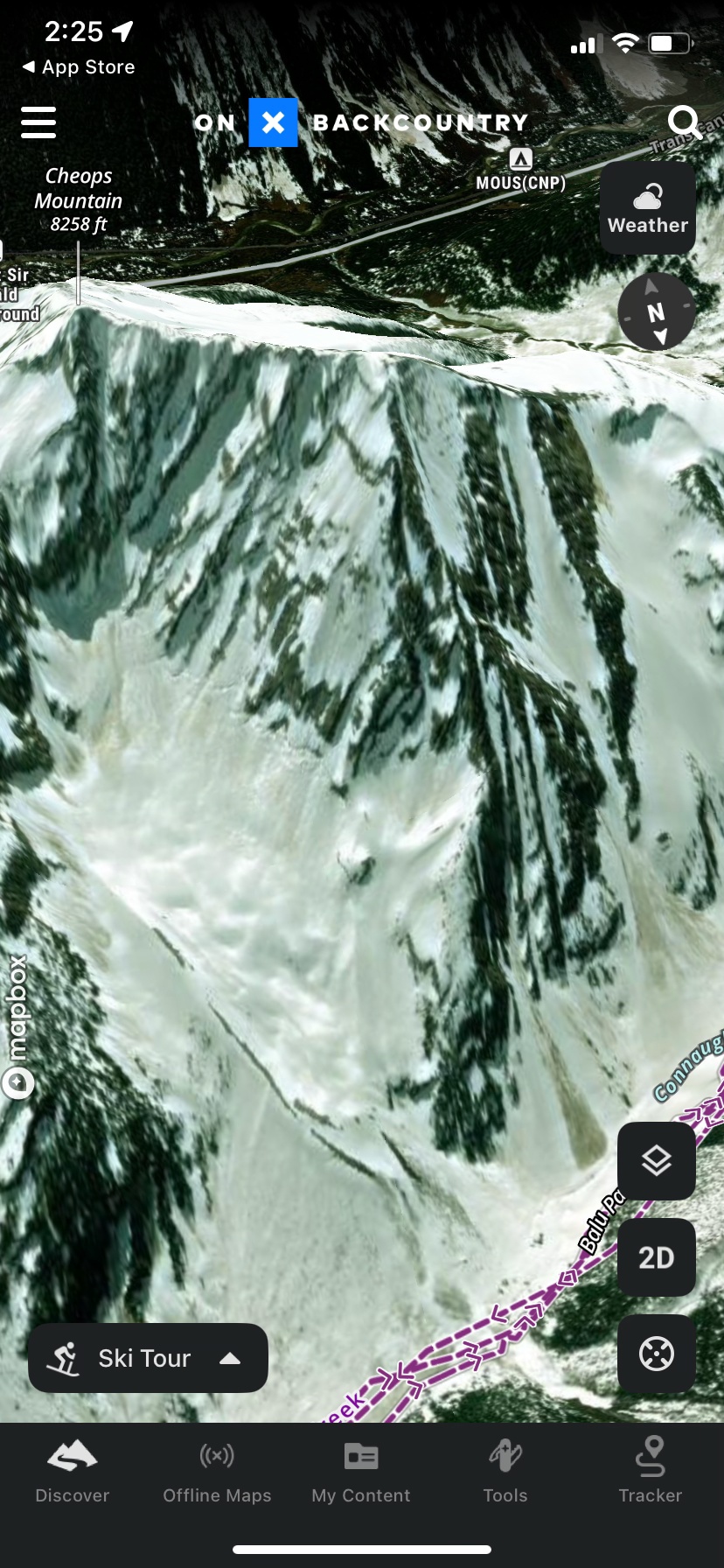


Left through Centre: app images around Rogers Pass. Far Right: The metric mode toggle summons an eagle to hit you with a yardstick and fly away squawking The Star Spangled Banner. It has no effect on the map.
Cost: Free (virtually useless), $29.99USD or $99.99USD for premium tiers.
Pros:
- Really nice interface
- Above average terrain and POI labels
- Good layers. Active wildfire and smoke are great ideas, but seemed to be returning random data when I first tested in Oct ’24. Trail slope is cool
- Avalanche forecasts are well integrated
- Mountain Project integration is kind of neat for cragging
- Good web app with solid planning features
- Decent enough projection and image quality
- Toggles to prefer winter imagery or prefer high quality imagery
Cons:
- Doesn’t work outside North America
- No option to convert basemap topo lines or peak elevations to meters
- Winter imagery priority doesn’t return much winter imagery, if any outside very popular US destinations
- Ski Touring mode has routes you can’t seem to turn off, sometimes covering basemap elements. I don’t need Cody’s 50 Project GPX files visible at all times
- Only one activity type is visible at a time meaning, for example, that you can’t view hiking and MTB trails simultaneously while trail running
- Mediocre search function doesn’t seem to reference those great terrain and POI labels (in Canada. US appeared better)
- Either somewhat or extremely expensive depending on tier, no viable free option
Verdict:
This is the app I was most disappointed by, purely because I had such high expectations. There were people recommending OnX over FATMAP during its heyday, and I’ve always thought of it as a pricier premium option with a lot of marketing behind it. I assumed it was developing in parallel to a similar standard. Unfortunately it feels like they spent their entire development budget on that marketing. It was kind of buggy while I was testing, lacks basic options for customization and only works in North America, despite using imagery and map data that’s readily available globally. At least give me basic Open Street Map, 2D global topo and metric contours and labels!
If it were free, it might be worth keeping around for some of its well executed layers, but its free version is crippled to the point of being useless. I can see the potential when flying around major US backcountry areas like Tahoe, the Wasatch and Summit County, where imagery is much better and trail conditions, routes, points of interest and weather forecast/station integration suddenly make a lot more sense. It could be a one stop shop for planning your entire day in those areas, which is a cool concept. I live in Canada though, where without that extra data it lags well behind other, less geographically specialized competitors. Unless you live in the US near popular touring areas, think in imperial units, and don’t travel, I’d look at something else.
Relief Maps:


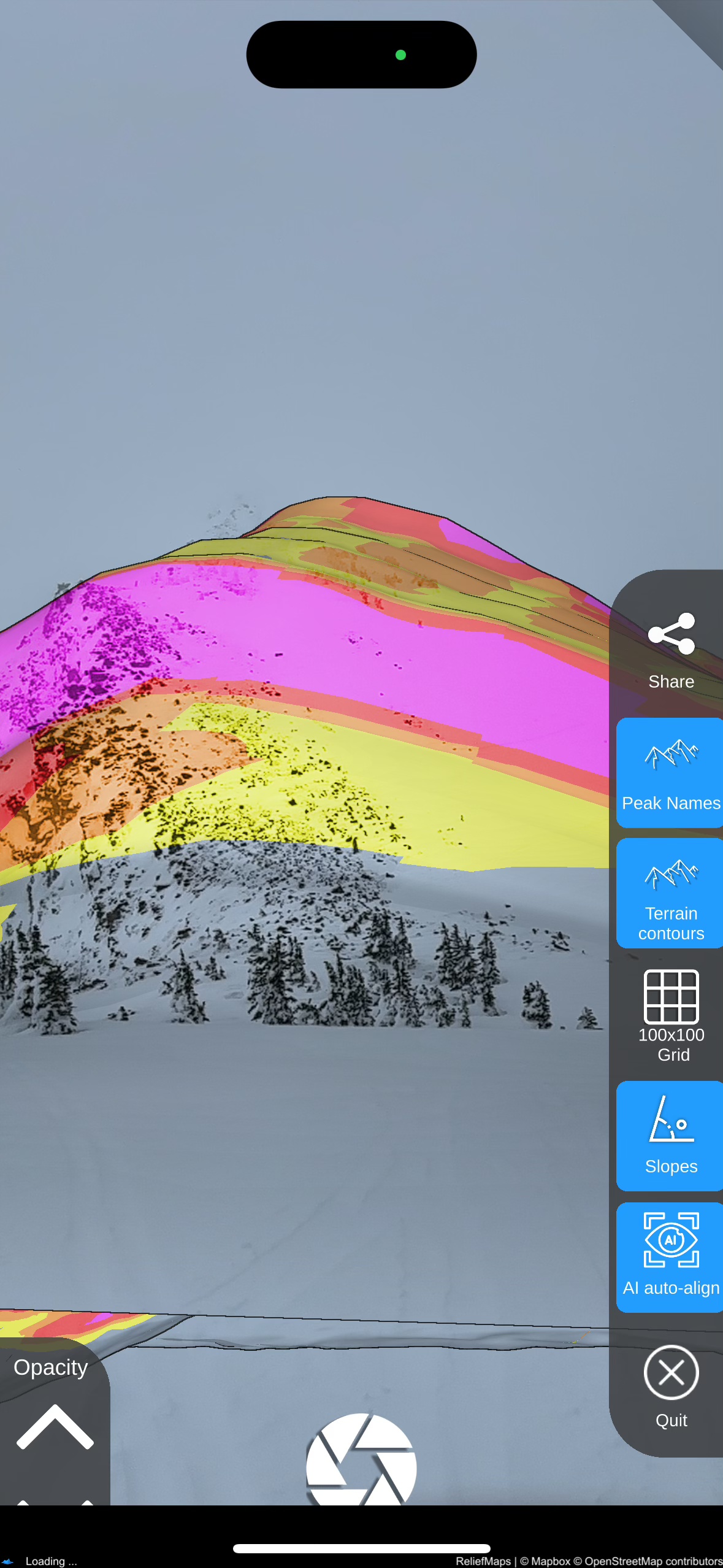

Left: In the field with World Sat imagery. Centre-Left: AR terrain identification. Unfortunately the peak label appeared off in the sky out of frame for some reason. Centre-Right: AR slope shading; a very cool concept when it works. Right: Same location in the web app.
Cost: Free (limited data sources, no offline mapping), $1.29-5.99CAD/month, $5.99-39.99CAD/year or $39.99CAD lifetime. It’s not immediately obvious what each price tier gets you, but it appears there are different costs for different map bundles.
Pros:
- Really slick 3D engine
- Lots of imagery sources (especially for European users)
- Sentinel2 map layer available
- Interesting AI “winterization” of summer maps
- Augmented reality mode, including a unique slope shading feature
- Usable weather integration
- Pretty good search function
- Allows offline mapping
Cons:
- Route planner needs some work on both web and mobile
- DEM is less detailed than some competitors
- Interface lacks polish
- A little buggy
- No winter imagery
- Focus on European imagery means North American base map is not as high resolution or up to date as it could be
Verdict:
Initially I wrote Relief Maps off as being half-baked, but I’m glad I stuck it out. It’s an ambitious app that feels like a direct competitor to both Outmap and PeakVisor, offering elements of the feature sets in each. The 3D map is pleasant to use, featuring a well designed user experience powered by the Unity 3D gaming engine. Unfortunately, the DEM is not as detailed as PeakVisor’s, which makes the great 3D experience less powerful than it could be. It has an augmented reality mode for peak identification, similar to PeakVisor, but doesn’t use its labels to the same effect in the map. The unique slope shading feature in AR mode has a lot of potential for applications like whiteout navigation in avalanche terrain. It also has a web client, so you can swoop around in 3D on any device which is a big plus.
Despite, or maybe because of its ambitious feature set, Relief Maps is rougher around the edges than its closest competition. It’s got exciting guts, but it’s held back by a rudimentary UI and occasional bugs, like UI elements falling off the screen, the AR features completely glitching out or the basemap occasionally getting flipped upside down. Its focus on European high resolution imagery rather than my usual stomping grounds in North America makes it less useful to me than it would be to others and a lot of its best features feel like they’re still in beta.
I’d like to see high resolution winter imagery to at least the level of Outmap, or at least better summer imagery. I do particularly like its integration of Sentinel2 satellite data and unique AR features. I’ll also be watching for its SnowAI map layer to come to North America so I can give it a good test and see if it’s any more intuitive than just looking at summer imagery while skiing.
The Conclusion:
The bad news is that no single app currently replaces FATMAP. The good news is that there are some worthy alternatives out there.
If you want video game like projections that let you see micro terrain features and value class leading terrain identification tools – PeakVisor is the clear winner. But you won’t get photorealistic imagery, especially in the winter, so you should be prepared to use it like an augmented reality topo map. Valuable, absolutely, but not the same experience. You’ll get usable, but definitely not powerful route planning features, so I’d recommend pairing it with at least one other app if planning detailed routes ahead of time is important to you.
If your main priority is high resolution winter imagery, Outmap is currently the frontrunner. It’s the only app that lets you select winter satellite imagery at all, and while its coverage isn’t 100%, it’s beating the nearly non existent competition. Good on them for making the effort. Sure the interface isn’t quite as slick and the terrain projections and labels aren’t quite as good at other apps, but both are good enough to compliment the most important feature: quality imagery. It doesn’t have a web or desktop client, and the app route planning is clunky, so in my books it’s mandatory to pair it with another service for in depth planning. (This may change when the web client is released in 2025.)
An honourable mention on that front goes to Caltopo, which will be my advanced desktop mapping tool of choice going forward. If its mobile app, 3D experience and winter imagery improve, it could be a one stop shop for both trip planning field navigation, but that feels a long way off at the moment. I’ll start with the free tier and see how far that gets me. I’d also like to give Strava its due as a web planning tool for certain users. The cost of a premium subscription is absolutely not worth it just for the route planning functionality, but if your activities tend to follow established routes and trails, the heatmap based route planner is incredibly fast and intuitive. I’ll continue using that for sports like trail running, nordic skiing and cycling.
Were someone to combine Outmap and PeakVisor, the resulting service would be very close to replacing FATMAP one for one. Relief Maps is almost that service, but while its feature set actually eclipses FATMAP, the execution of those features doesn’t measure up to either Outmap or PeakVisor. Yet. It’s closer than I expected though, and I could see it leapfrogging both with a few major, well executed updates.
My Picks:
As it stands today, both Outmap and PeakVisor apps bring unique and valuable tools to the table. They execute those tools well enough to be reliable, and they’re tied for being my picks for a field navigation app this winter. I’ve subscribed to both to see which I end up using more, and how they continue to develop over the coming months. I’ll keep an eye on all of the above services to see if any new updates hit the scene. A lot of these apps are very young and things could look completely different in a few months. Many of my criticisms are no doubt already reflected in their development roadmaps. I’m particularly interested in where SkiMoMap and Relief Maps go from here.
Expect long term reviews of and user guides to PeakVisor, Outmap and maybe even Caltopo (if I get enough use out of it) sometime this coming spring. In the meantime, let me know your thoughts! Did I miss something in your favourite app? Did I miss your favourite app entirely? Do you just want to vent about losing FATMAP some more?
Honestly, me too.
I’m not completely satisfied with any of the options here, so I’d love to hear what works for you and what else I can add to my toolbox.
 Matt Ruta
Thanks Matt for going down the rabbit holes. Too bad Fatmap didn’t make it in the corporate world, which probably only think about the outdoors when want to recreate. Maybe is time to go back to printed maps… 🙂 . Cheers.
There is something to be said for paper maps, absolutely. Especially today when everyone can geolocate themselves instantly in any conditions using a watch or phone. For convenience and navigation through smaller terrain features though, it’s hard to argue with digital mapping.
thanks for the detailed look. I’m currently using outmap as well for the winter imagery but like you say it’s still not as good as fatmap was 😦
It’s not there yet, but considering the resources and time that have gone into it compared to FATMAP I’d say it’s a very solid start. The recent winter imagery update is very helpful.
Great article! For winter imagery and (almost parallel to) FATMAP experience try RealityMaps. For the Alps I think it’s the best of the bunch now.
The UX and UI isn’t the best but the map quality on RealityMaps is the best I’ve ever seen. Too bad it only covers the popular portions of the Alps…
Thanks, that’s a new one for me. I’ll give it a try when I’m in the Alps this winter!
I’ll throw in my 2 cents, that for a mobile app, I find OSMAnd (stupid name, I know) to be quite good. https://osmand.net/
It has
– offline 3D projections
– Good overlays, (hillshade, contour lines, avalanche slope shading)
– Offline topo maps and microsoft earth imagery, which I find to be decent.
– Up to date summer trail info, hut locations, etc.
– Probably other stuff, I’m missing.
The cons:
– Setup process takes a bit of tinkering to optimize for skiing rather than a general city navigation tool.
– No satellite imagery date selection (winter imagery) that I know of. I will dig through the menus and see though.
– You can’t scale the Z axis on the 3D view. (I’ve never used a tool that does this, so I don’t know what I’m missing)
It is free for Android (what I use) via the f-droid store https://f-droid.org/packages/net.osmand.plus/
If you want the full features via the google play store for android, or app store for Iphone, I think there’s a $30 yearly cost or something.
Cheers,
Michael
Thanks for this Michael, it’s great to have more options. I’ll check it out!
Hi
I have been using Osmand for some time now. Strong recommendation. Scaling the z-axis is now possible. Only minus is the lack of satellite imagenary dates.
Have you taken a look at footpath? Killian Jornet uses it. Initial take on the mobile app is that it’s pretty intuitive.
Matt, thanks for this thoughtful review of currently available options! Much appreciated!!! Luc Mehl (Triple Point Training) also evaluates various mapping alternatives.
Cheers … Guy Stuart
Hi Matt, A quick update from the founder of Contours. Route planning and Offline maps are now features of the Contours app and i’m building out more quickly.
I was so happy to find this. I was a big fan of fatmap. Few month later, i realise I’m not the only one, and it’s hard to find a replacement. I had Gaia this winter, but didn’t use it, because it feels so far from fatmap. I tried last 2 days outmap, reliefmaps, peakvisor, none of them interesting, no or bad winter imagery. Finally, i tried and kept realitymaps, really nice winter imagery for the alps. hope they will expand.